A governance checklist before you put an AI agent into production
The question I get asked in a pilot review is almost always “does it work?” The question I have learned to ask instead is: “what happens the first night it does something wrong, at 2am, with nobody watching?”
If the answer involves someone scrolling through chat logs trying to reconstruct what the agent actually did, the pilot is not ready. Not because the model is weak — because nobody wrapped governance around it.
This is the gap I see most often in mid-market companies in India, Canada and Europe. The demo is impressive, the pilot runs for six weeks on a laptop, and then it has to touch the ERP — a reasonable IT head asks who approved the posting, and the project stalls for a quarter. Gartner expects more than 40% of agentic AI projects to be cancelled by the end of 2027, blaming escalating costs and unclear business value. Governance is the quiet third cause: the project is not killed, it just never gets permission to go live.
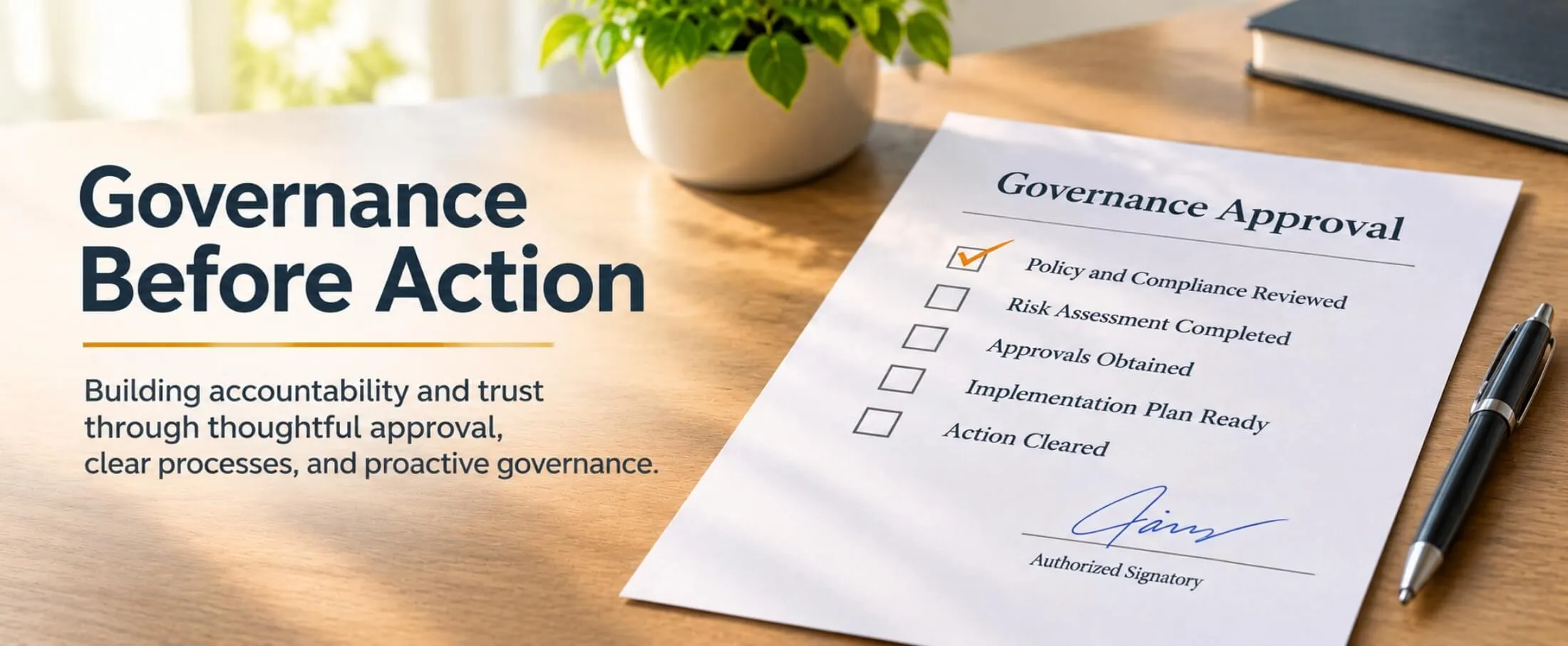
Here is the checklist we run before anything of ours goes into a customer’s production environment. Five items, none exotic, all cheaper to build before go-live than after an incident.
Why your old checklist does not cover this
A traditional integration either succeeds or fails, and does the same thing every time. An agent chooses — which tool to call, in what order, with what arguments — and it can be talked into something by the content it reads. OWASP’s Top 10 for Agentic Applications for 2026 is a peer-reviewed list of the most critical security risks for exactly these systems. That breaks two assumptions.
The identity assumption: classic automation runs as a service account someone set up years ago and nobody has reviewed since. The Cloud Security Alliance, in its March 2026 paper on NIST standards for autonomous systems, says agents in production should instead have “defined identity credentials—not merely inherited session tokens from human users,” scoped to “the minimum access necessary for the agent’s designated function.”
The review assumption: audit logs were designed for a world where a human does a few dozen things a day. The same paper notes that “traditional audit log review is insufficient when agents can take hundreds of consequential actions per minute.”
LangChain’s State of Agent Engineering, published in June 2026, found 57.3% of its 1,340 respondents already had agents in production — 89% running some form of observability, but only about half running offline evaluations. We are better at watching agents than at judging them.
The five-item checklist
- Permissions, written as a list of what it cannot do. Give the agent its own identity — never a human’s credentials, never a shared admin login — then write the scope out explicitly: which systems, which objects, read or write, up to what value. For an accounts agent on Tally or SAP B1 that usually reads: read all vouchers, create drafts only, never post, never touch masters, never change a bank account number. If you cannot write that list in plain language on one page, you do not yet know what you are deploying.
- An audit log that lets you replay the decision, not just the outcome. “Agent updated record 4471” is useless. Store, for every run: the trigger, the inputs it read, every tool call with its arguments, the model’s stated reason, the output, who approved it, and the model version. Keep it outside the agent’s reach so a misbehaving agent cannot tidy up after itself, and set the retention period on day one.
- A human approval step placed where the money is. The useful framing is an interrupt condition: a predefined threshold at which the run pauses for a person. Ours tend to be anything above a value limit, anything outside the agreed scope, any new vendor or changed bank detail, and anything the agent itself flags as low confidence. Everything else runs unattended, because an approval step on every action trains people to click yes without reading.
- Cost limits, enforced in code. Token spend is the failure mode that stays invisible until the invoice arrives. McKinsey’s 2026 global AI survey found about 20% of respondents saying AI-related operating costs, including token costs, constrained their use of AI. Set a per-run cap, a daily cap and a monthly cap per workflow; alert at 70%, hard-stop at 100%. A retry loop that misfires at 3am should cost a rounding error.
- A rollback and a kill switch someone has actually tested. Two different things. The kill switch stops the agent — one command, documented, tested by the person who will need it at midnight rather than the developer who built it. Rollback undoes the work: every write should be reversible or reconstructible from the log. If an agent posts to your ERP, rehearse the reversal before go-live, on a copy of production.
What this looks like on a real workflow
Take the most boring example I can think of, and the one that pays for itself fastest: supplier invoices arriving by email, going into the ERP. Without governance it is four steps — read mailbox, extract fields, match to purchase order, create voucher. With governance it is those four steps plus a wrapper:
- The agent runs under its own account with create-draft rights only. It cannot post and cannot edit the supplier master.
- Every email it opens, field it extracts and match it attempts goes to an append-only log before it acts, with the model version attached.
- Invoices matching a purchase order within tolerance go through as drafts automatically. Anything over the value threshold, any new supplier, any changed bank detail, any mismatch goes to a named person in finance, who sees the extracted fields beside the original PDF and approves or rejects in one click.
- The workflow has a monthly token budget. At 70% it messages the ops channel; at 100% it stops and queues.
- One command disables the agent. A second script voids every draft it created in a given window, read from the log.
Steps 2 to 5 are the governance wrapper, and we now reuse it across workflows. That is the real argument for building it early: it is a platform problem, not a per-project problem. On-prem makes parts of it easier — the audit log never leaves the building and the kill switch is a service on your own network — which is much of why we built our automation platform to run on the customer’s own infrastructure.
Running the review itself
Make it a one-hour meeting with three people: whoever owns the business process, whoever owns the system being written to, and whoever will be on the phone when it breaks. Walk the five items. Anything unanswered is a blocker, not a to-do. Write the result on one page and sign it — in two years nobody will remember what the agent was allowed to do, and that page is what your auditor and your successor will read.
If a vendor cannot answer these five questions about their own product, that tells you something too. Gartner’s analysis found only around 130 of the thousands of vendors marketing agentic AI were, in its assessment, genuinely agentic.
Takeaways
- Governance is a go-live requirement, not a phase two. It turns a successful pilot into a production system.
- Give every agent its own scoped identity — never a human’s credentials, never a shared admin account.
- Log the decision, not just the result, and keep the log where the agent cannot reach it.
- Put the human approval step where the money and the irreversible changes are, and nowhere else.
- Cap cost in code at three levels, with an alert before the hard stop.
- Test the kill switch and the rollback with the person who will actually need them at midnight.
- Build the wrapper once and reuse it. The second agent should be far cheaper to govern than the first.
We have turned this into a one-page checklist you can take into your own review. If you would like a copy, or you want to be in the beta for v1 of our on-prem automation platform at the end of this year, book a call below. And bring the workflow you are trying to get live — that is usually more useful than a demo.