10 Signs Your Business Needs Custom Software (And Not Off-the-Shelf Solutions)

10 Signs Your Business Needs Custom Software (And Not Off-the-Shelf Solutions)
You’re at a pivotal crossroads: custom software or off-the-shelf? This decision impacts more than technology—it determines your business’s adaptability and growth. The right software streamlines operations and keeps you competitive; the wrong one wastes resources and stifles progress.
I’ve watched businesses flourish after adopting custom solutions—and others struggle with generic tools that never fit. Recognizing when off-the-shelf software has reached its limit is key.
This article outlines 10 signs your business needs custom software instead of generic alternatives. If you recognize these, it’s time to rethink your tech strategy.
Off-the-Shelf vs. Custom Software
Off-the-Shelf Software:
Pre-built, ready for immediate use (e.g., Microsoft Office, QuickBooks). Suits general needs with low upfront costs and rapid deployment.
- Advantages:
– Lower cost
– Quick setup
– Reliable, proven - Limitations:
– Limited customization
– Vendor dependence
– Inefficiencies from forced workarounds
Custom Software:
Tailored to your unique processes and requirements. Offers full control over features, data flow, and integrations.
- Advantages:
– Highly flexible and scalable
– Competitive edge with tailored features - Limitations:
– Higher initial investment
– Longer development time
– Ongoing need for developer support
Scalability:
Off-the-shelf scales horizontally (users, plans) but rarely adapts to your growth. Custom solutions scale exactly as your business evolves—no unnecessary features or limitations.
- Inefficient Processes:
Manual data entry, repetitive tasks, and error-prone workflows waste valuable time. Custom software automates these tasks, boosting productivity and freeing staff for strategic work. - Integration Difficulties:
Disconnected platforms force manual data transfers and create errors. Custom solutions provide seamless integration across systems, centralizing data and improving efficiency. - Outgrowing Generic Limitations:
If your current tools can’t keep up with increased users, data loads, or new services, you’re hitting a ceiling. Custom software supports growth by evolving with your needs. - Unique Requirements Unmet:
Industry-specific compliance, custom pricing models, specialized reports—generic tools don’t deliver niche functionality without costly workarounds. Custom development targets exactly what you need. - Security Needs Beyond Standard Protection:
Standard security may not address your specific risks or regulatory requirements (HIPAA, PCI DSS, GDPR). Custom software embeds tailored security measures and compliance directly into workflows. - Poor Customer Experience From Lack of Personalization:
Generic interfaces frustrate customers seeking personalized interactions. Custom solutions tailor user journeys to client needs, improving satisfaction and loyalty. - Limited Real-Time Data & Analytics:
Off-the-shelf dashboards often lack the flexibility or immediacy required for informed decisions. Custom analytics provide instant access to the precise metrics you need across all systems. - High Maintenance Costs Adapting Generic Tools:
Plug-ins, integrations, licensing fees—customizing off-the-shelf products gets expensive over time. With custom software, higher upfront costs yield long-term savings through ownership and adaptability. - Employee Frustration With Inefficient Tools:
Clunky interfaces lead to errors and low morale; productivity suffers as staff battle unsuitable systems. Custom tools designed for real workflows enhance efficiency and job satisfaction. - Need for Advanced Features to Stay Ahead:
When competitors use identical software, differentiation disappears. Custom development enables unique capabilities—AI tools, predictive analytics—that set you apart in the market.
Benefits & Challenges of Custom Software
- Benefits:
– Automates tedious tasks
– Reduces human error
– Integrates seamlessly with existing systems
– Delivers long-term cost savings - Challenges:
– Requires significant upfront investment
– Longer rollout timelines
– Needs ongoing maintenance and change management
Strategies for Successful Implementation
- Phased Development: Build in stages to manage risk and gather feedback.
- Employee Engagement: Involve staff early for smoother adoption.
- Modular Architecture: Ensure flexibility for future changes.
- Security Focus: Prioritize protection throughout development.
- Comprehensive Training & Support: Equip users to maximize value.
Recognizing these signs—and applying strategic implementation—will position your business for lasting advantage with custom software over off-the-shelf solutions.
- Automation
- business efficiency
- business growth
- custom software
- digital transformation
- enterprise solutions
- off-the-shelf software
- scalability
- software development
- workflow optimization
03 Nov 2025
Related Posts
AI Code Review Bottleneck: Why PRs Slow Down

1 Breach, 3 Security Firms Burned

Your AI Tool Reads Too Much

$2M Risk: One API Ban Can Kill You

Anthropic Stores Every Prompt You Send — And May Be Lying to Yo
Microsoft’s AI Tools Were Hacked. Is Yours Next?

Why Uber Capped AI Coding Tools

Microsoft Build 2026: What Project Solara and AI Agent PCs Mean f

GitHub Copilot Just Got Expensive: Here’s What Smart ISVs A

Every AI Lab Is Now an Agent Lab — Here’s What ISVs Must

Google Says the Age of AI Agents Is Here: What SMB Owners Should

Why Your AI Subscriptions Are About to Blow Up Your Budget (And W

Building an AI Team for the Shop Floor

Why Zero Data Retention Will Make or Break Your AI Development St

Why Zero Data Retention Will Make or Break Your AI Development St

Claude Code Source Leak Reveals the Secret Architecture Behind AI

Supply Chain Attacks Are Exploding: How AI-Powered Security Scann

Gemma 4 vs Microsoft’s New Models: Which AI Stack Will Win the

Why Your Startup Is Overpaying 300% for AI (And How to Fix It)

Why the LiteLLM Supply Chain Attack Changes Everything for AI Dev
EdTech Development: Creating Engaging Learning Platforms

Integrating Multiple Systems? How Custom Software Can Break Down

Staff Augmentation vs Project Outsourcing: Which Model Fits Your

Building an App? 5 Mistakes to Avoid in the Early Stages

DevOps in Custom Software: Accelerating Delivery and Quality —

UI/UX Best Practices for Custom Web Applications — What They Re
Mobile App Development Trends 2026: AI, IoT, and Beyond

Why Choosing the Right Tech Stack Matters

MVP Development: Focusing on Core Features for Success — and Ho

Inbox Under Threat: How Human Verification Can Protect Email From

How to Enhance User Engagement with These Mobile App UX Hacks

From Concept to Creation: Understanding Product Engineering Servi

Save Time and Money with Effective Prototyping in Software Projec

Securing Your Application: Best Practices from Day 1

Why Custom Software Is a Smart Investment for SMBs

Custom Software for Healthcare: Innovations That Meet Compliance

FinTech Software Development: Security and Compliance Best Practi

Understanding HIPAA Compliance in Healthcare App Development: A C

Breaking the Fix-It Loop – Why Patching Alone Slows Growth

Why ‘Technical Feasibility’ is Crucial Before Buildin

Can AI Replace Designers? The Real Impact on Creative Design Team

Redesigning Hiring for the Underserved – A Blueprint for Talent

Agile vs Waterfall: How to Decide the Best Fit for Your Project

Web App vs Mobile App: How to Choose the Right Platform for Your

Behavioral Traits – The Hidden Engine of Retention

Building Custom Software on a Budget: Expert Advice for Startups

UX as Emotional Infrastructure

Mock Interviews, Real Confidence: Preparing Beyond the Resume

Rapid Prototyping: How AI is Revolutionizing the Design Process i

What If Job Matching Measured Mindsets, Not Just Degrees?

Why Job Boards Fail in Developing Economies

Transforming Software: How AI is Making It More User-Friendly and

Leave Management System – Admin & HR Controls

When Code Bows to Culture

The Role of AI in Super High Paced Development: Transforming the

Who is Soham Parekh?

Leave Management System – Instant Leave Decisions

Leave Management System – Employee Leave Flow

AI-Based Error Log Analyzer: A Smarter Way to Handle Infrastructu

Why Pictures (and Sounds) Speak Louder Than Tables

Leave Management System – Mobile First

Leave Management System – Real Cost
Leave Management System

Keeping Workers Safe: How Computer Vision Revolutionizes Industri

The AI Whisperer: Unmasking Public Opinion with Sentiment Analysi

EHR Interoperability: Enhancing Care Coordination

EHR Security Best Practices: Safeguarding Patient Data

The Benefits of Implementing EHR Systems in Healthcare

Big Data Trends in Healthcare
Business Intelligence for Healthcare Industry
How Mobile Apps Are Transforming Healthcare
Practical Use Cases of RPA in the Healthcare Industry
Google Core Update January 2020
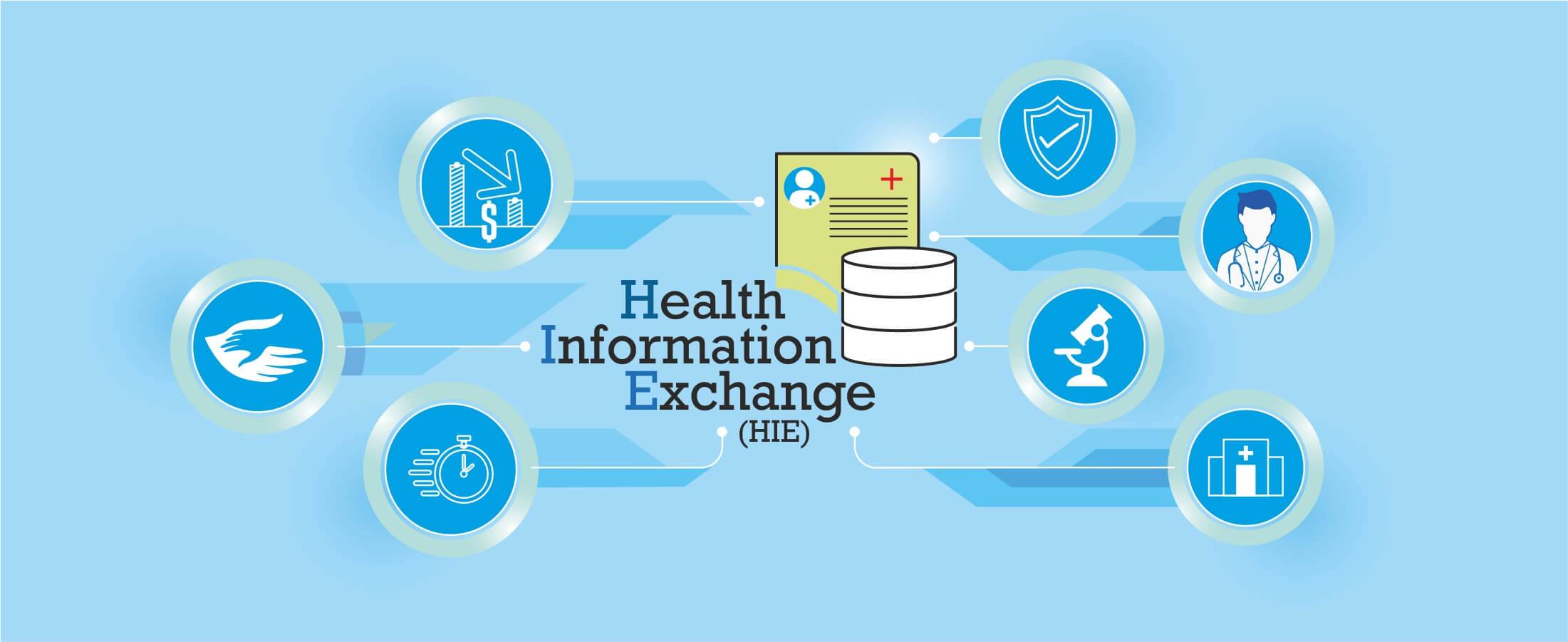
Health Information Exchange (HIE): A Primer
How Wearables are Helping to Monitor Patients
Best Practices for Successful EHR Data Integration

Importance of Sustainable Last-Mile Delivery Options in Building
Applications of 3D Printing in Healthcare

Application and Advantages of Artificial Intelligence and Machine
What is Technical SEO?
Healthcare Tech Space Review 2019

What is AWS Lambda? & AWS Lambda Use Case
Digital Marketing Strategies for Real Estate Agents
Web API and HL7 FHIR – The Future of Interoperability
Why FHIR is Better?

Real Estate Tech Space Review 2019
Improving Patient Care with Chronic Care Management
10 Healthcare Tech Trends to Follow in 2020

10 Real Estate Tech Trends to Follow in 2020
iBuyer: Disruptive Business Model or a Passing Fad?

Symptom Checker: Your personal mhealth app
Facebook for Real Estate Marketing
Use cases for Big Data in Real Estate
Can Real Estate be Uberized?
Using Predictive Analysis for Better Management of Patient Emerge
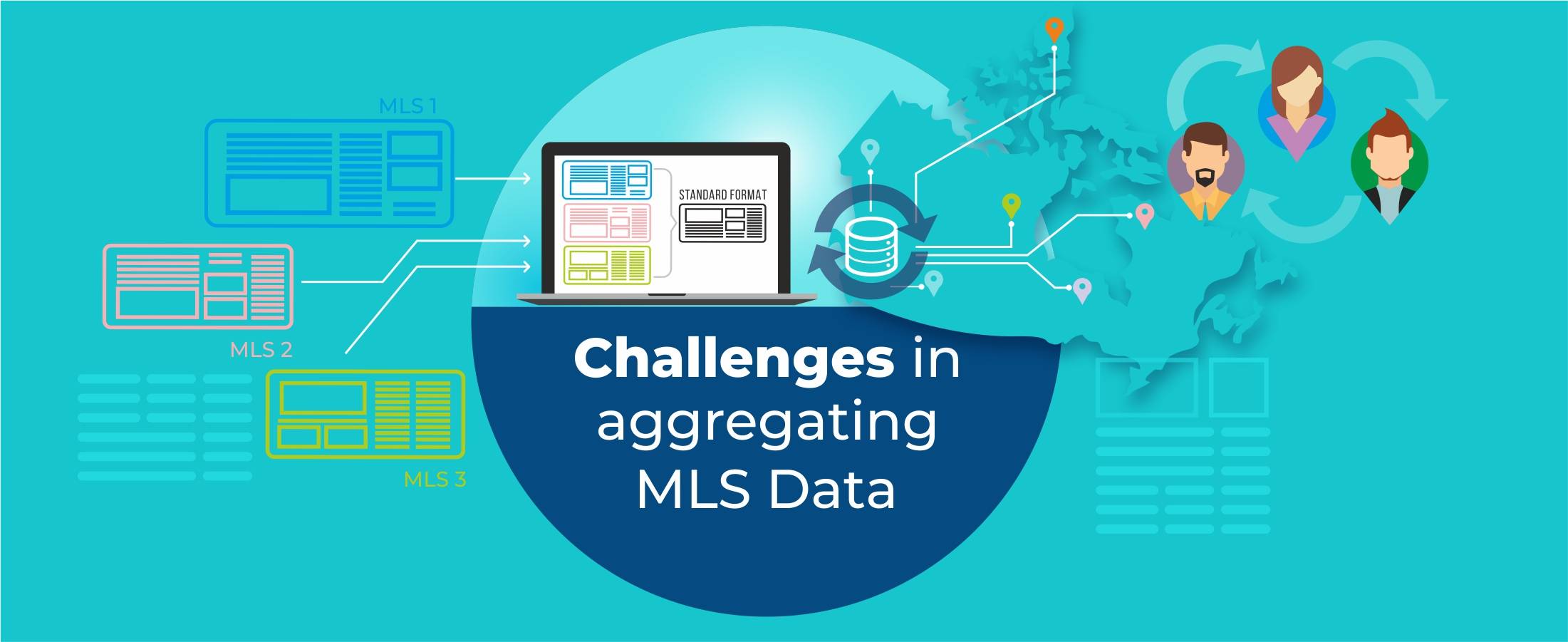
Challenges in Aggregating MLS Data

Home Navigation for the Visually Challenged

Uberization of Healthcare
Using mHealth for monitoring symptoms in children
Pinterest for Real Estate Marketing

Advancement of Voice Inputs over Text in Healthcare

Instagram for Real Estate Marketing
Chatbots in Healthcare
Why brokers are moving to custom solutions rather than using gene
Virtual Hospitals: Future of Healthcare

What Happens in Vegas, Stays in Vegas – Well, not if you ha
8 Healthcare Tech Trends to watch out for in 2019

6 Reasons Why Telemedicine Hasn’t Taken Off

5 Real Estate Tech Trends to watch out for in 2019
How MLS APIs Can Improve Your IDX Performance
How can Realtors generate quality leads using Social Media?

What is the difference between RETS and RESO Web API?
IoT for Healthcare

3D Home Tours – A must have in today’s world?
3D Printing in Real Estate

Pros & Cons of integrating RETS in your website

Blockchain: Opportunities for Healthcare

Pros & Cons of Integrating IDX in your Website
4 Reasons why you need to integrate RESO compliant MLS
Docker Selenium Grid for Parallel Test Execution
IDX vs RETS vs MLS vs RESO

How is AI Transforming Healthcare
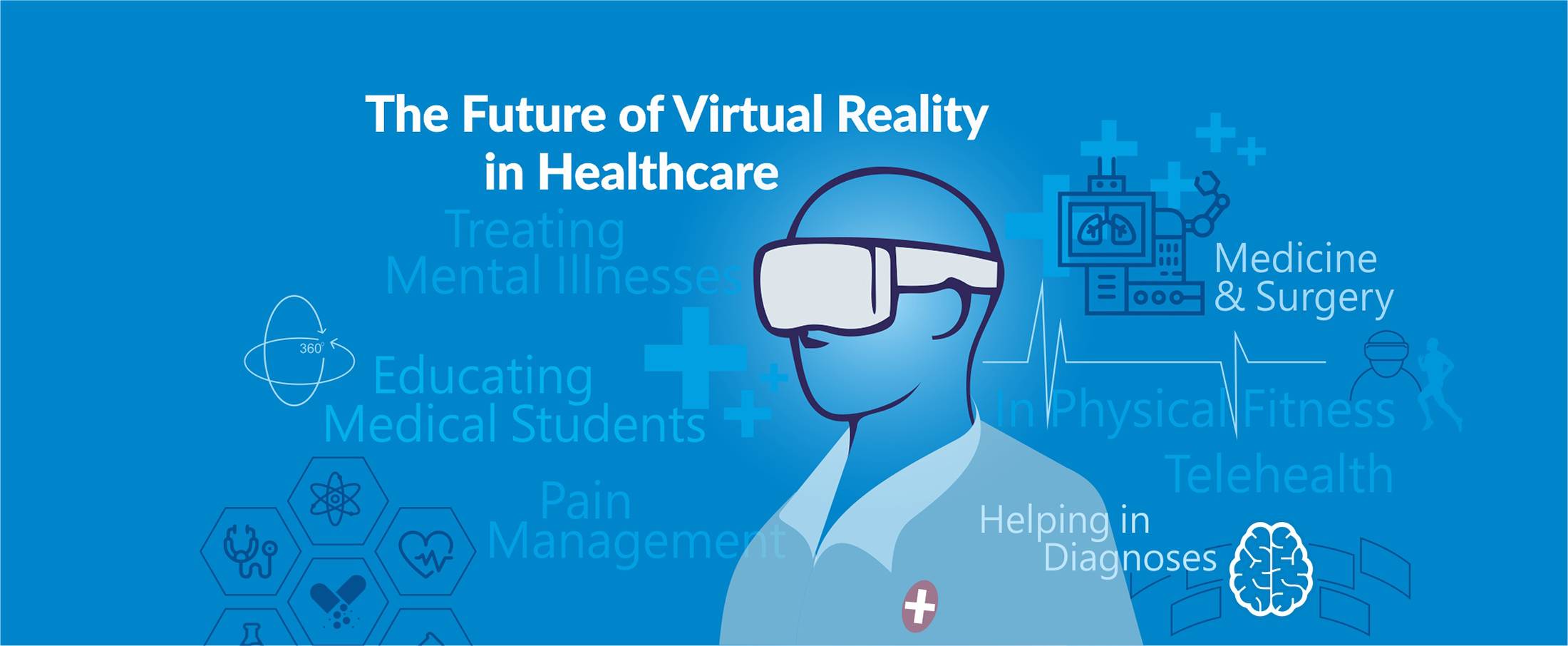
The Future of Virtual Reality in Healthcare

Smart Contracts in Real Estate using Blockchain

How To Choose The Right CRM For Your Business

Best UX Design Practices for Healthcare Applications
FHIR Integration for Better Patient Engagement
IoT for SMART Real Estate
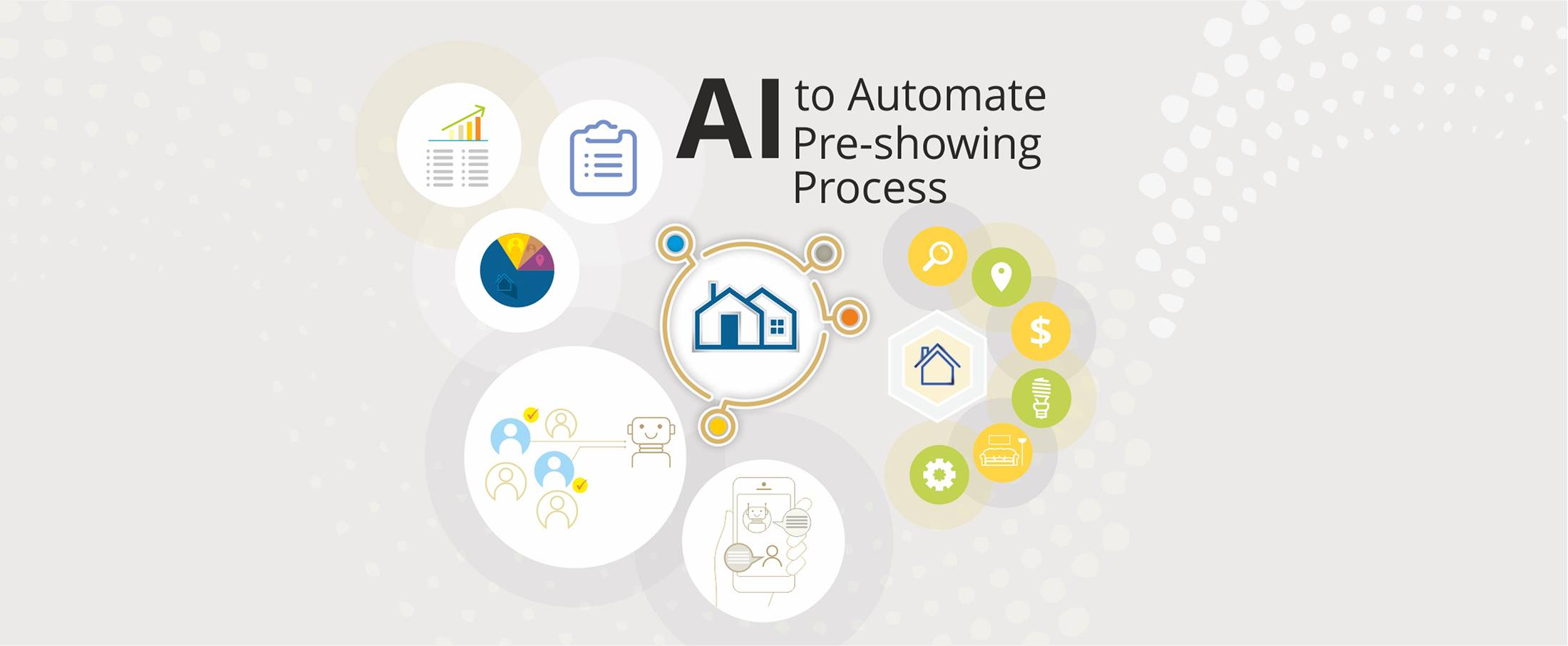
AI to Automate Pre-Showing Process

Best Practices for Healthcare Data Governance

Will Virtual Reality in Real Estate Replace Property Showing?

A Secure Web is Here

Will Uber-ized Property Showing Gain Momentum?
Future of Cloud Computing in Healthcare

5 Real Estate Tech Predictions for 2018
Key Takeaways From Inman Connect NYC 2018 #ICNY
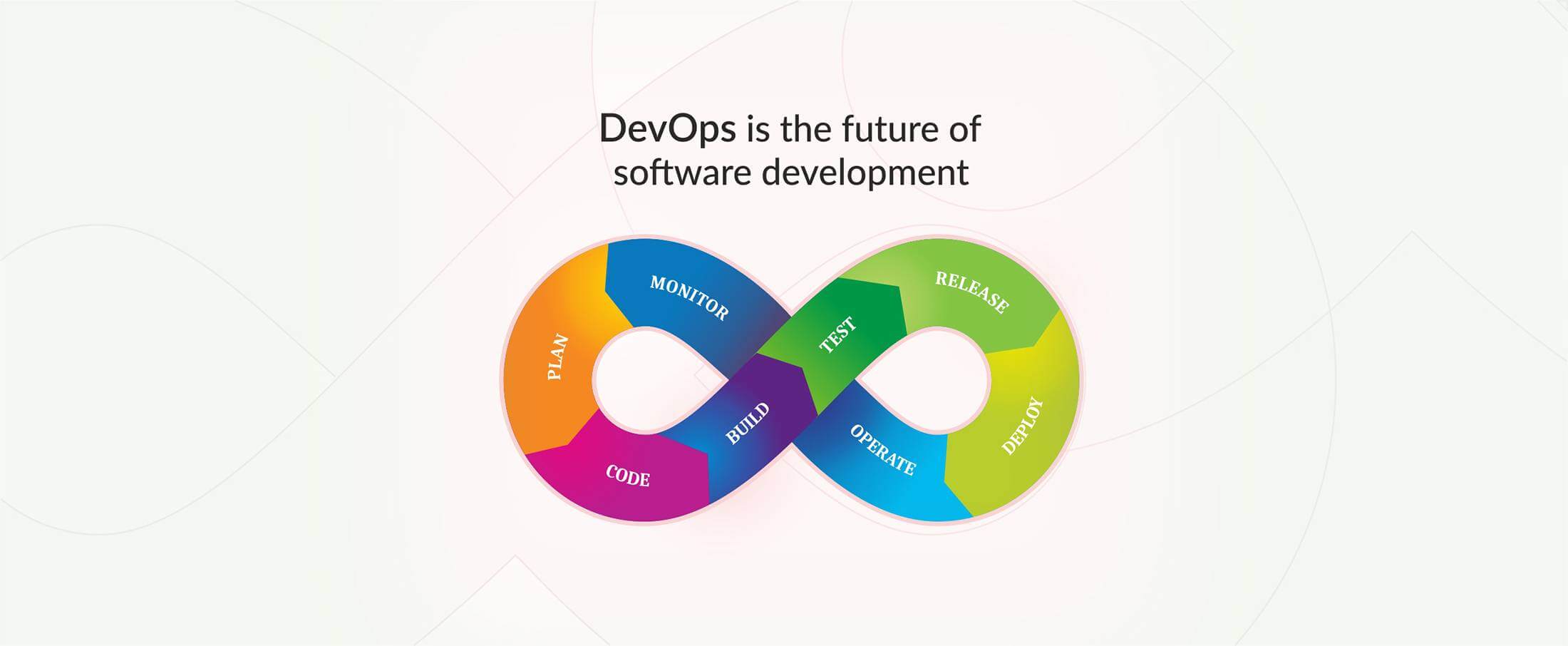
DevOps is the future of the software development

9 Proven Ways to Optimize Google Page Speed

3 Ways to Generate More Real Estate Sales Leads
Introduction to Elasticsearch
5 Real Estate Tasks to Automate
MLS Data: Roadblock for RealTech?

Part II – Writing Better, Faster and Easy to Maintain Mobil
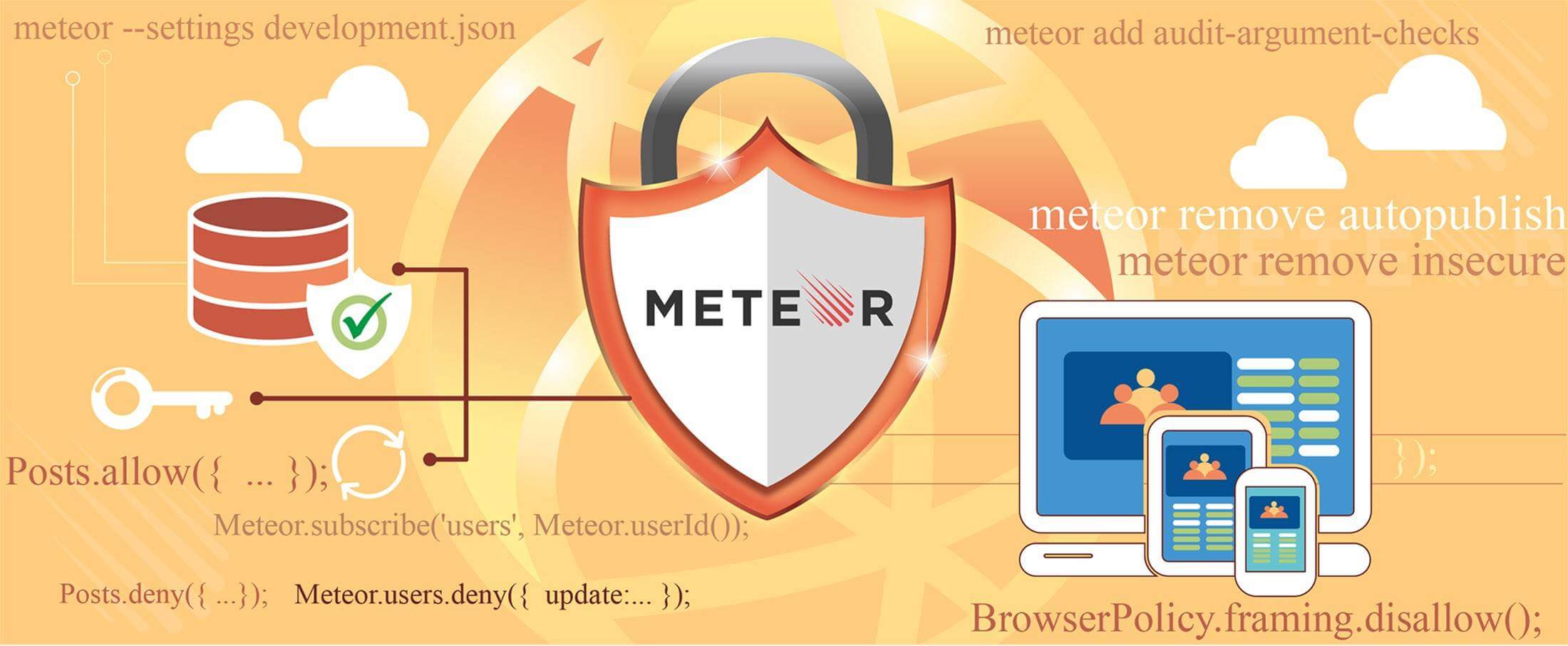
Meteor Security Checks

3 Reasons Why You Need App Prototype For Your Idea

Apple Events September 2017

Part I – Writing Better, Faster and Easy to Maintain Mobile