How to Enhance User Engagement with These Mobile App UX Hacks

User engagement determines if your mobile app thrives or ends up forgotten. Many promising apps are abandoned after one use, often due to poor mobile app UX.
UX design is more than aesthetics—it’s about crafting an experience that keeps users returning. Great UX boosts retention and satisfaction rates.
Research shows 25% of apps are abandoned after one use, often due to poor navigation, slow load times, or confusing interfaces.
This guide covers proven mobile app design tips to turn casual downloaders into loyal users. You’ll learn practical strategies for mobile platforms—from simplified navigation to smart push notifications—to create engaging experiences.
Mobile App UX Fundamentals
Mobile device constraints shape every design decision:
1. Thumb Navigation & Touch Targets
Mobile users navigate with thumbs, so interactive elements should be at least 44×44 pixels. Follow thumb-friendly design for better usability.
2. Screen Size & Prioritization
Smaller screens require prioritizing essential content and features while removing distractions. A mobile-first design approach ensures focus on what matters most.
3. Gestures & Fluid Interactions
Leverage intuitive gestures like swiping, pinching, and long-pressing for seamless interactions unique to mobile devices.
4. Performance Optimization
Optimize performance for varying device capabilities—compress images, minimize HTTP requests, and use lazy loading to keep load times under three seconds.
5. Battery Consumption
Design efficiently to minimize battery drain from resource-heavy animations or processes.
1. Simplified & Intuitive Navigation
Mobile navigation must be finger-friendly:
- Larger Touch Targets: Use a minimum of 44×44 pixels (Apple) or 48×48 dp (Google) for buttons.
- Finger-Friendly Gestures: Incorporate swipes, pull-to-refresh, and long-press actions.
- Shallow Hierarchy: Keep navigation no deeper than three levels; use bottom nav bars for primary actions and hamburger menus for secondary options.
2. User-Centric Design Approaches
Accessibility is fundamental—support screen readers, ensure color contrast (4.5:1+), allow font size adjustments, provide alt text, and include voice controls.
Fast loading times are critical—compress images (TinyPNG/WebP), implement lazy loading, and reduce initial friction.
Minimal distractions—limit pop-ups/animations and focus on guiding users to their goals without clutter.
3. Personalization Strategies
- Segmentation: Tailor experiences based on behavior or demographics.
- Localization: Adapt language, formats, and cultural references.
- Personalized onboarding: Ask for user preferences early to customize the interface without overwhelming them.
4. Familiar Mobile UI Patterns
Use established UI patterns (carousels, slideouts/hamburger menus, pull-to-refresh, bottom nav bars, card layouts, floating action buttons) to reduce learning curves and make your app instantly usable.
5. Measuring Engagement Metrics
Track key metrics:
- Session duration
- Retention rates (Day 1/7/30)
- DAU/MAU ratio (>20% = strong engagement)
- Churn rate
- Feature adoption rates
Analyze these consistently to identify improvement areas.
6. Streamlining Sign-Up Processes
Shorter sign-up forms reduce drop-off—keep steps minimal (ideally ≤3).
Offer social login (Facebook/Google/Apple ID) and adopt progressive profiling by collecting only essentials upfront. Allow guest access to let users explore before registering.
7. Enhancing Onboarding with Personalization & Rewards
Personalize onboarding by letting users set preferences/goals upfront (e.g., fitness goals in workout apps).
Reward early engagement with badges, credits/features unlocks, progress indicators, or personalized messages—making new users feel valued from the start.
8. Using Gamification
Gamification makes apps stickier:
- Award badges for milestones.
- Use leaderboards for competition.
- Offer time-limited challenges (daily/weekly). Balance rewards with real value so they enhance—not distract from—the core purpose.
9. Smart Push Notifications
Segment notifications by user behavior; send relevant content at optimal times (e.g., evening workout suggestions). Limit frequency (2–3/week), give users control over notification categories, test different types (transactional updates, recommendations), and track open/uninstall rates to refine your strategy.
10. In-App Real-Time Support
Provide instant help with chatbots for FAQs and live chat agents for complex issues via a persistent help icon; enable two-way messaging so users can continue conversations seamlessly after leaving the app.
11. Social Features to Build Community
Enable in-app messaging, user profiles, activity feeds, voice/video chat, and user-generated content sharing to foster community—making social features optional yet accessible increases retention via emotional connections.
12. Psychology Techniques in UX Design
Use psychology-based tactics:
- Progressive disclosure: Reveal info gradually.
- Feedback animations: Confirm actions and reinforce positive behavior.
- Scarcity/FOMO tactics: Limited-time offers or low-stock notifications spur action.
- Variable rewards: Unpredictable positive outcomes encourage repeat use.
13. Optimizing App Performance
Speed is crucial—53% leave if load exceeds three seconds:
- Compress images with modern formats like WebP.
- Use lazy loading for content below the fold.
- Minimize code by removing unused libraries.
- Cache data locally for faster access.
14. Case Studies of Effective Engagement Strategies
Headspace
Headspace boosted daily meditation habits through personalized onboarding based on experience/goals; visual progress indicators (streaks/milestones); smart reminders timed around usage patterns; reward mechanisms like badges/content unlocks; behavioral data integration tailoring content recommendations—all driving strong engagement.
N26
N26 banking app uses customizable real-time transaction alerts tailored by amount/type/category; clear visual designs show balances/merchant info instantly; notifications drive regular app checks rather than monthly reviews—a model of micro-engagement that builds trust and habit-forming usage.
GoodCourse
GoodCourse improved corporate learning completion rates with a minimalist interface (removing clutter), bite-sized modules with clear progress indicators/swipe navigation, offline access/performance optimization—all focused on reducing friction so learners could focus on content rather than navigating the interface.
By applying these concise Mobile App UX tips—from simplifying navigation to leveraging psychology—you can create experiences that keep users engaged long-term while meeting both their functional needs and emotional expectations.
- App Onboarding Tips
- Mobile App Optimization
- Mobile App Retention Techniques
- Mobile App UX Design
- User Engagement Strategies
- UX Best Practices
14 Nov 2025
Related Posts
EdTech Development: Creating Engaging Learning Platforms

Integrating Multiple Systems? How Custom Software Can Break Down

Staff Augmentation vs Project Outsourcing: Which Model Fits Your

Building an App? 5 Mistakes to Avoid in the Early Stages

DevOps in Custom Software: Accelerating Delivery and Quality —

UI/UX Best Practices for Custom Web Applications — What They Re
Mobile App Development Trends 2026: AI, IoT, and Beyond

Why Choosing the Right Tech Stack Matters

MVP Development: Focusing on Core Features for Success — and Ho

Inbox Under Threat: How Human Verification Can Protect Email From

10 Signs Your Business Needs Custom Software (And Not Off-the-She

From Concept to Creation: Understanding Product Engineering Servi

Save Time and Money with Effective Prototyping in Software Projec

Securing Your Application: Best Practices from Day 1

Why Custom Software Is a Smart Investment for SMBs

Custom Software for Healthcare: Innovations That Meet Compliance

FinTech Software Development: Security and Compliance Best Practi

Understanding HIPAA Compliance in Healthcare App Development: A C

Breaking the Fix-It Loop – Why Patching Alone Slows Growth

Why ‘Technical Feasibility’ is Crucial Before Buildin

Can AI Replace Designers? The Real Impact on Creative Design Team

Redesigning Hiring for the Underserved – A Blueprint for Talent

Agile vs Waterfall: How to Decide the Best Fit for Your Project

Web App vs Mobile App: How to Choose the Right Platform for Your

Behavioral Traits – The Hidden Engine of Retention

Building Custom Software on a Budget: Expert Advice for Startups

UX as Emotional Infrastructure

Mock Interviews, Real Confidence: Preparing Beyond the Resume

Rapid Prototyping: How AI is Revolutionizing the Design Process i

What If Job Matching Measured Mindsets, Not Just Degrees?

Why Job Boards Fail in Developing Economies

Transforming Software: How AI is Making It More User-Friendly and

Leave Management System – Admin & HR Controls

When Code Bows to Culture

The Role of AI in Super High Paced Development: Transforming the

Who is Soham Parekh?

Leave Management System – Instant Leave Decisions

Leave Management System – Employee Leave Flow

AI-Based Error Log Analyzer: A Smarter Way to Handle Infrastructu

Why Pictures (and Sounds) Speak Louder Than Tables

Leave Management System – Mobile First

Leave Management System – Real Cost
Leave Management System

Keeping Workers Safe: How Computer Vision Revolutionizes Industri
The AI Whisperer: Unmasking Public Opinion with Sentiment Analysi

EHR Interoperability: Enhancing Care Coordination

EHR Security Best Practices: Safeguarding Patient Data

The Benefits of Implementing EHR Systems in Healthcare

Big Data Trends in Healthcare

Business Intelligence for Healthcare Industry
How Mobile Apps Are Transforming Healthcare
Practical Use Cases of RPA in the Healthcare Industry
Google Core Update January 2020

Health Information Exchange (HIE): A Primer
How Wearables are Helping to Monitor Patients
Best Practices for Successful EHR Data Integration

Importance of Sustainable Last-Mile Delivery Options in Building

Applications of 3D Printing in Healthcare
Application and Advantages of Artificial Intelligence and Machine
What is Technical SEO?

Healthcare Tech Space Review 2019
What is AWS Lambda? & AWS Lambda Use Case
Digital Marketing Strategies for Real Estate Agents

Web API and HL7 FHIR – The Future of Interoperability
Why FHIR is Better?
Real Estate Tech Space Review 2019

Improving Patient Care with Chronic Care Management
10 Healthcare Tech Trends to Follow in 2020
10 Real Estate Tech Trends to Follow in 2020
iBuyer: Disruptive Business Model or a Passing Fad?

Symptom Checker: Your personal mhealth app
Facebook for Real Estate Marketing
Use cases for Big Data in Real Estate
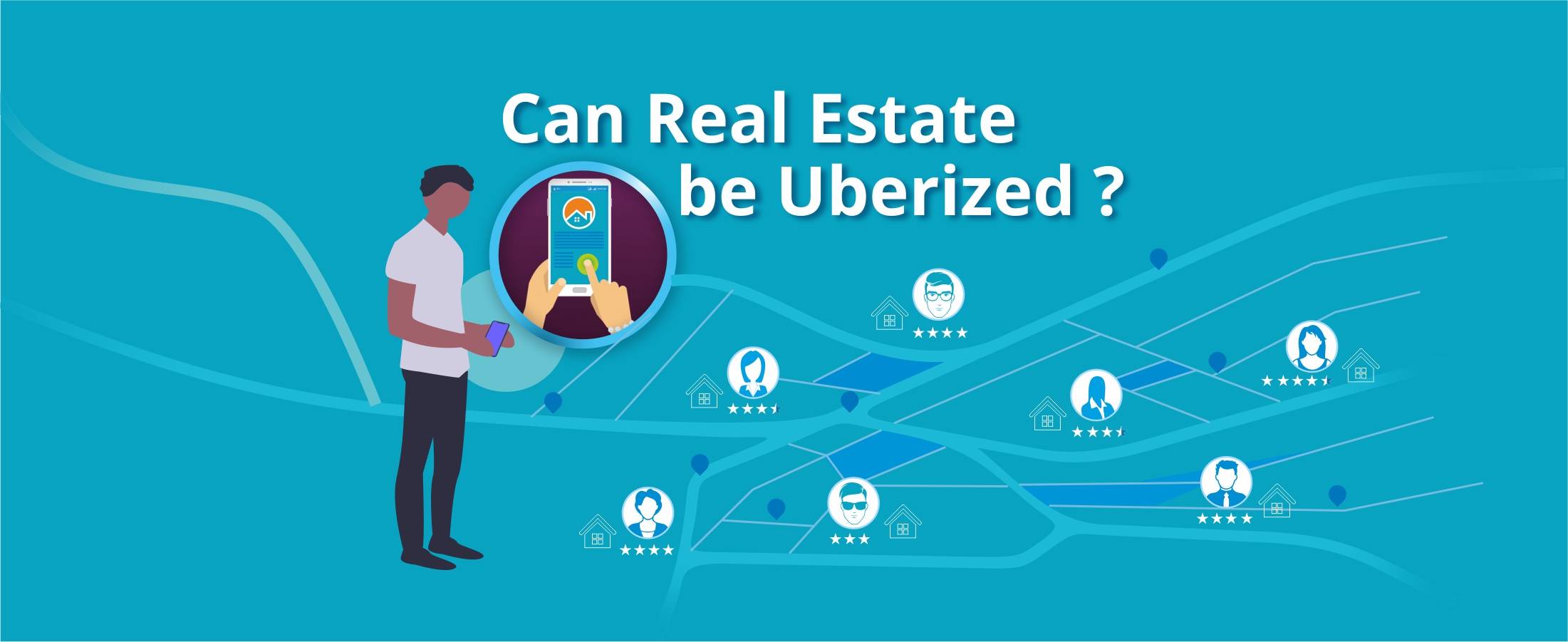
Can Real Estate be Uberized?
Using Predictive Analysis for Better Management of Patient Emerge
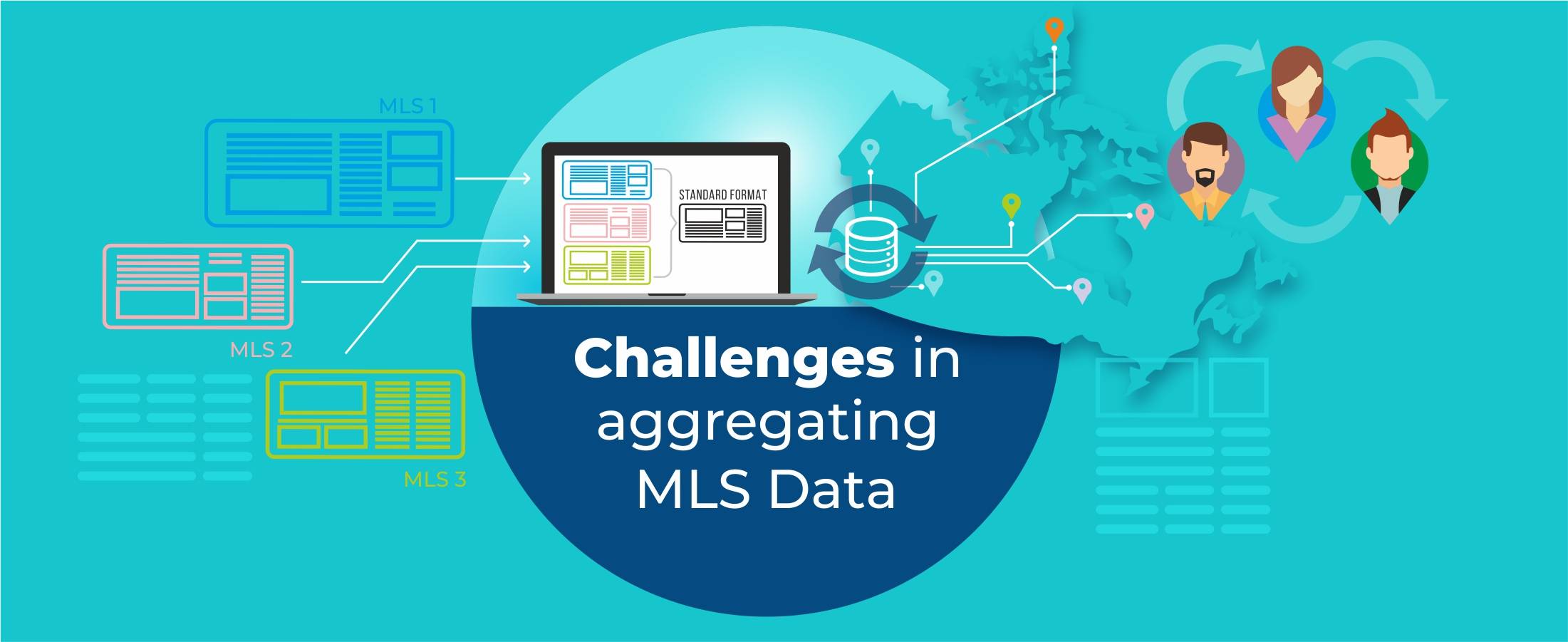
Challenges in Aggregating MLS Data
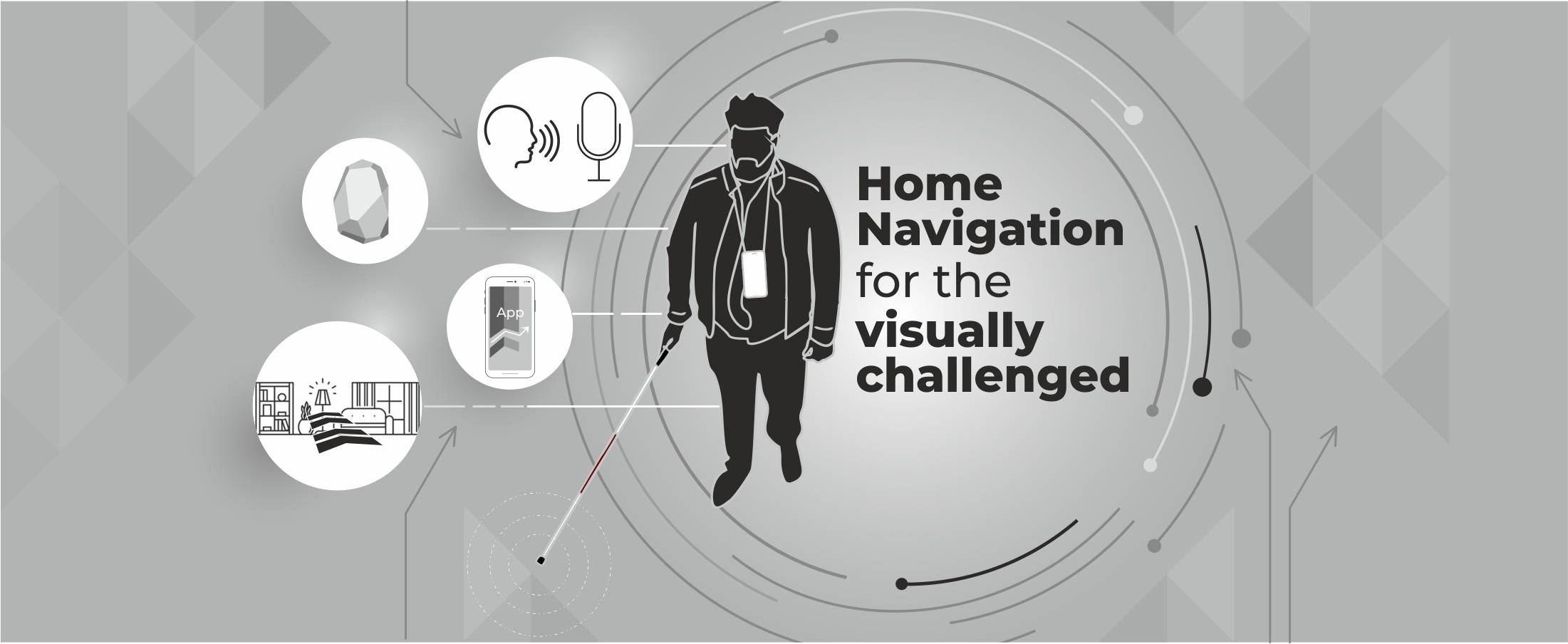
Home Navigation for the Visually Challenged

Uberization of Healthcare
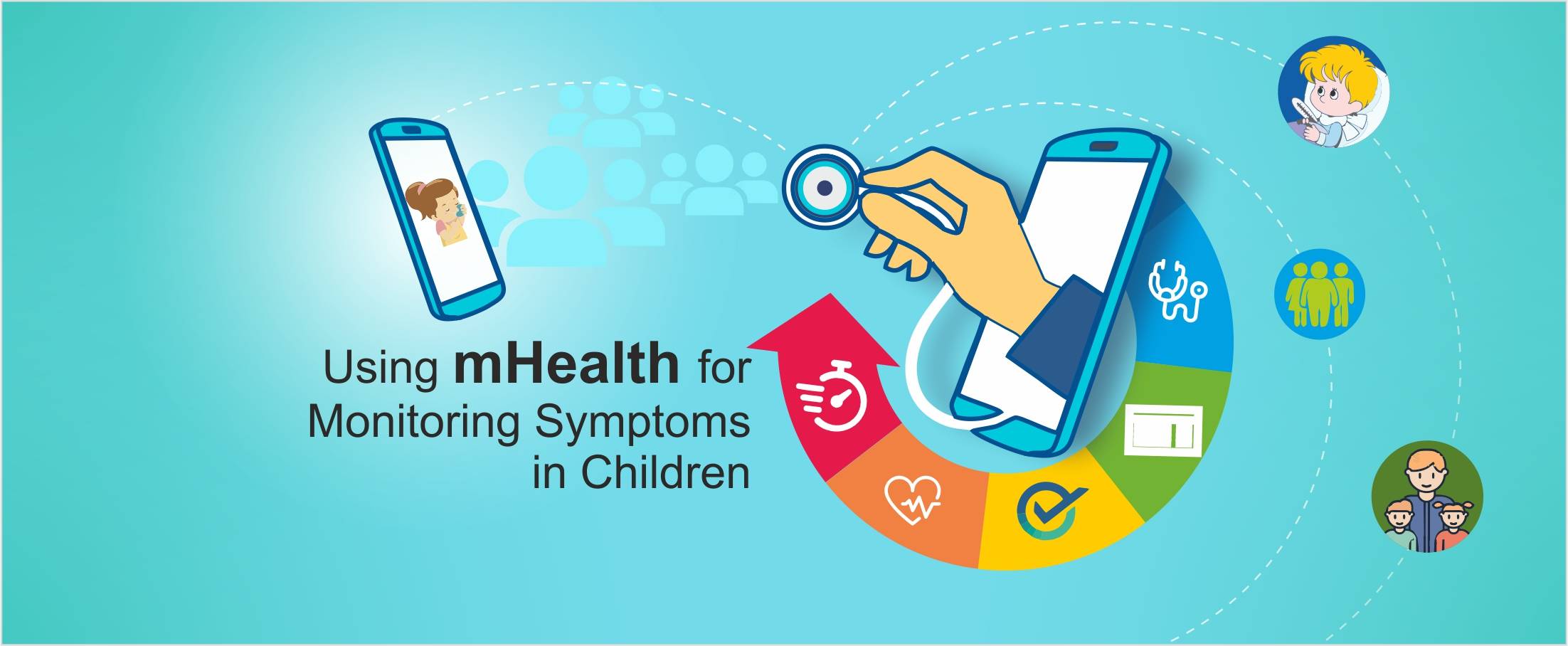
Using mHealth for monitoring symptoms in children
Pinterest for Real Estate Marketing
Advancement of Voice Inputs over Text in Healthcare
Instagram for Real Estate Marketing
Chatbots in Healthcare
Why brokers are moving to custom solutions rather than using gene
Virtual Hospitals: Future of Healthcare

What Happens in Vegas, Stays in Vegas – Well, not if you ha
8 Healthcare Tech Trends to watch out for in 2019

6 Reasons Why Telemedicine Hasn’t Taken Off

5 Real Estate Tech Trends to watch out for in 2019
How MLS APIs Can Improve Your IDX Performance
How can Realtors generate quality leads using Social Media?
What is the difference between RETS and RESO Web API?
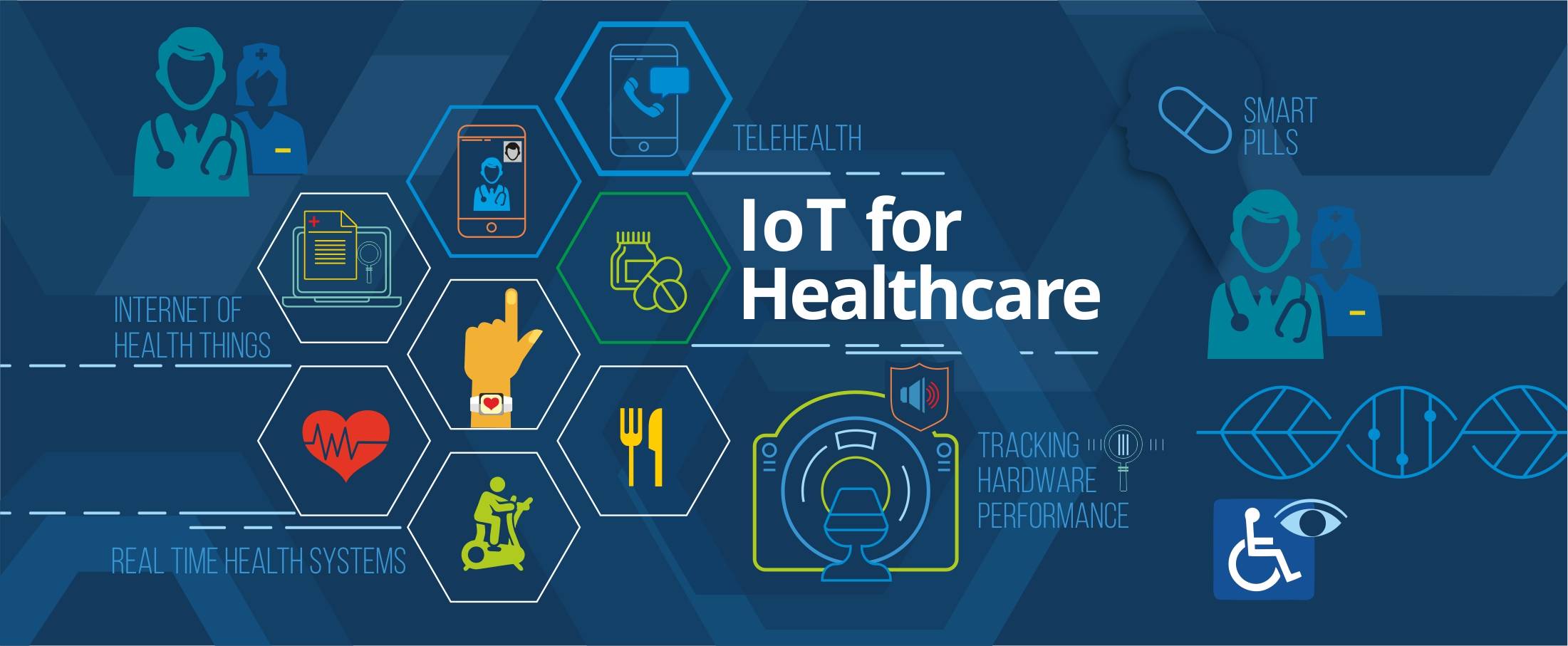
IoT for Healthcare

3D Home Tours – A must have in today’s world?

3D Printing in Real Estate

Pros & Cons of integrating RETS in your website

Blockchain: Opportunities for Healthcare

Pros & Cons of Integrating IDX in your Website

4 Reasons why you need to integrate RESO compliant MLS

Docker Selenium Grid for Parallel Test Execution
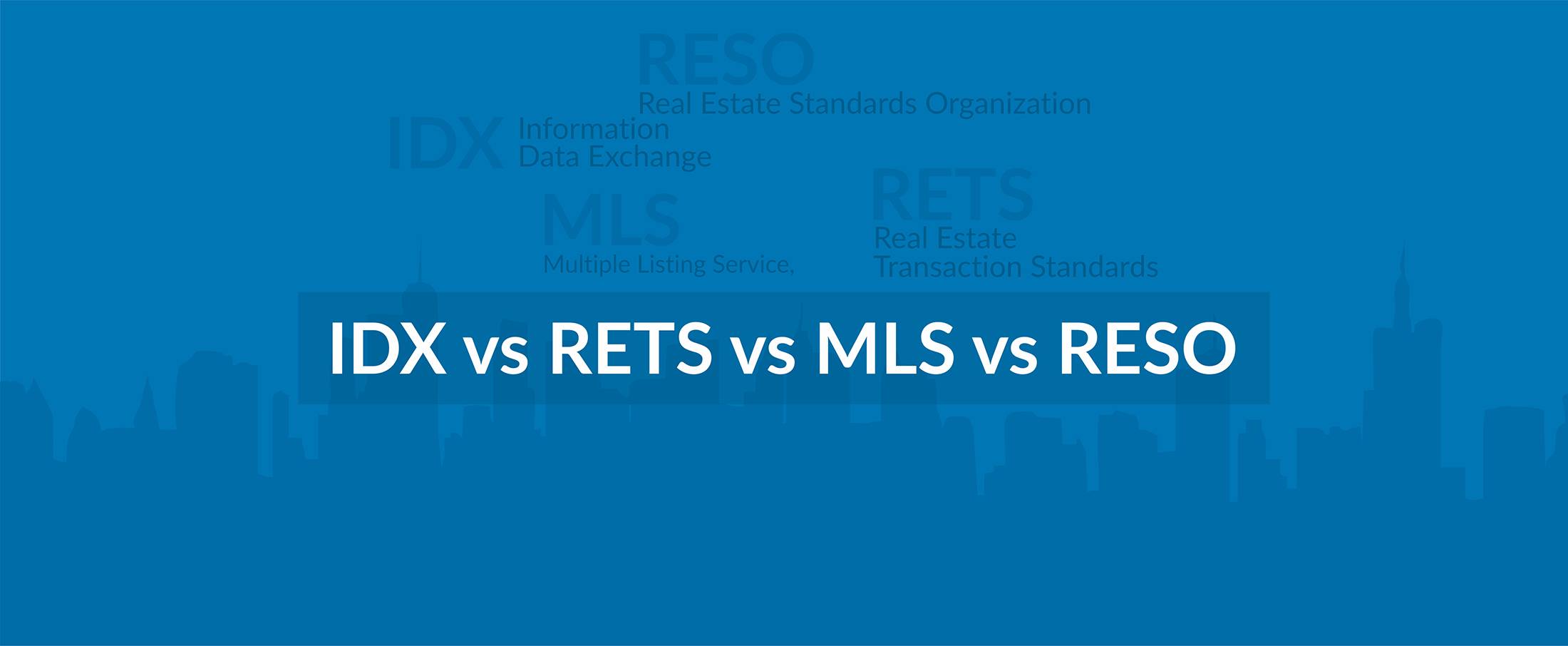
IDX vs RETS vs MLS vs RESO

How is AI Transforming Healthcare
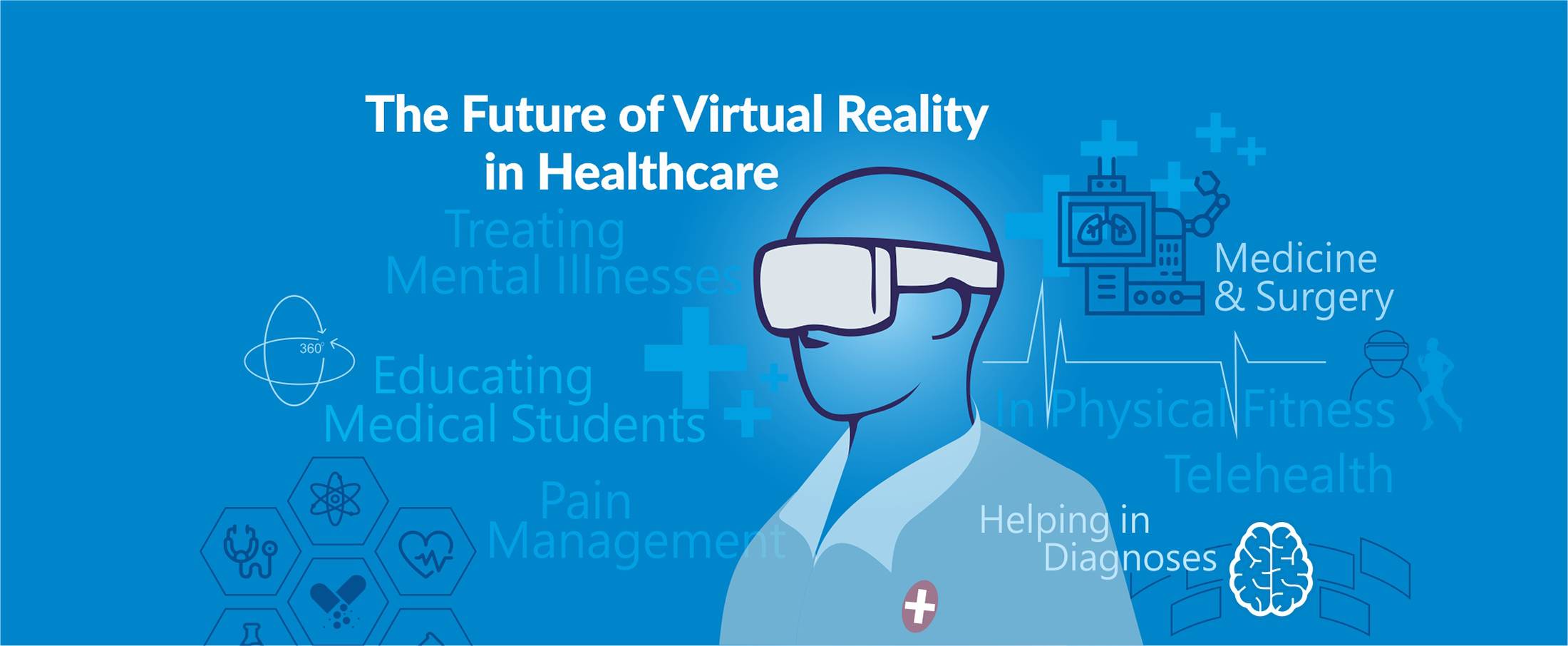
The Future of Virtual Reality in Healthcare
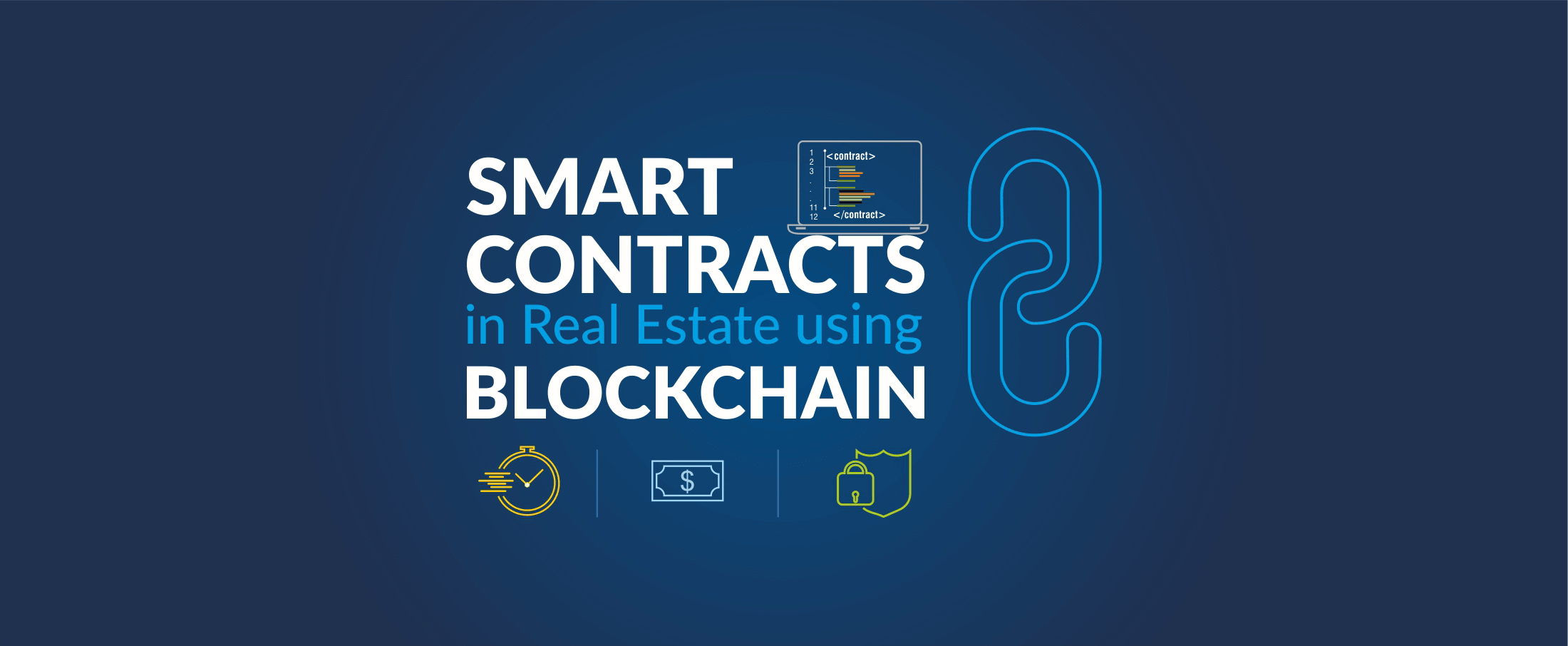
Smart Contracts in Real Estate using Blockchain

How To Choose The Right CRM For Your Business

Best UX Design Practices for Healthcare Applications
FHIR Integration for Better Patient Engagement
IoT for SMART Real Estate
AI to Automate Pre-Showing Process

Best Practices for Healthcare Data Governance

Will Virtual Reality in Real Estate Replace Property Showing?

A Secure Web is Here
Will Uber-ized Property Showing Gain Momentum?

Future of Cloud Computing in Healthcare
5 Real Estate Tech Predictions for 2018

Key Takeaways From Inman Connect NYC 2018 #ICNY
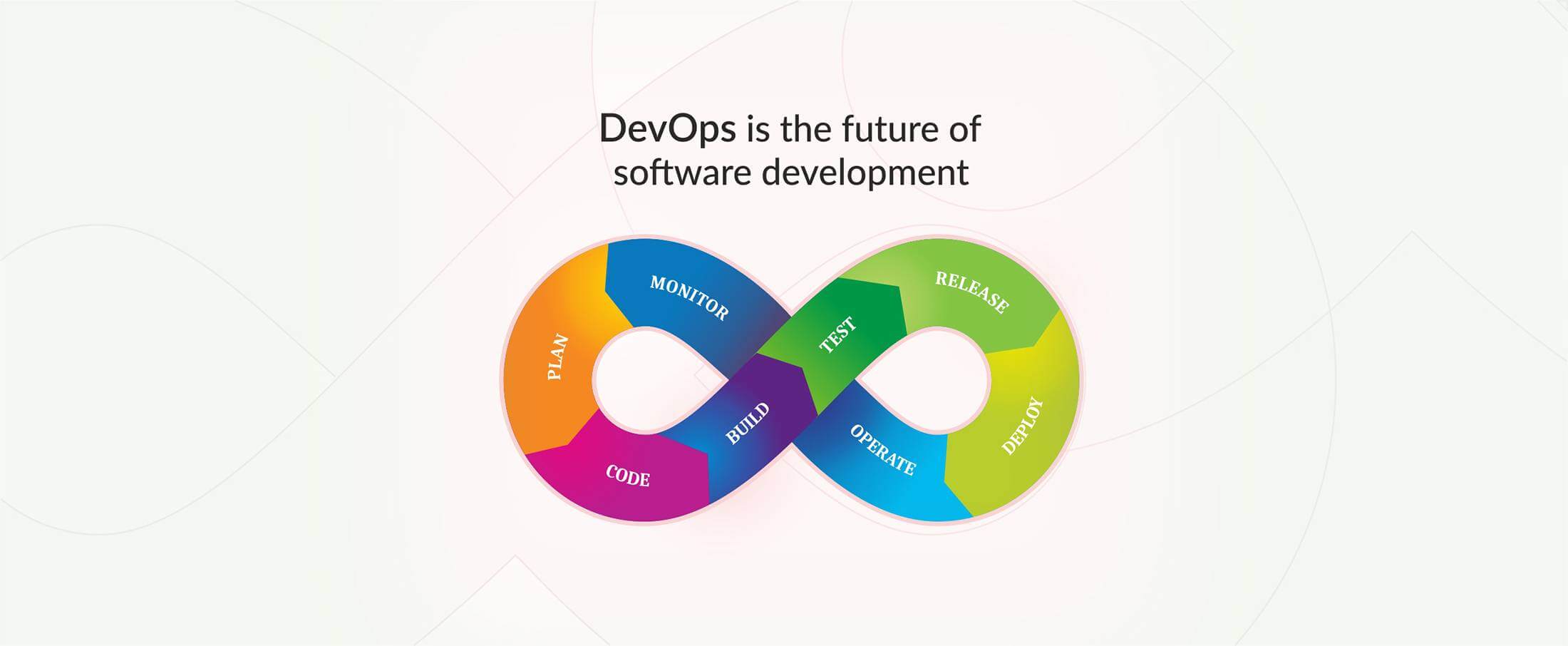
DevOps is the future of the software development

9 Proven Ways to Optimize Google Page Speed

3 Ways to Generate More Real Estate Sales Leads
Introduction to Elasticsearch
5 Real Estate Tasks to Automate

MLS Data: Roadblock for RealTech?

Part II – Writing Better, Faster and Easy to Maintain Mobil

Meteor Security Checks
3 Reasons Why You Need App Prototype For Your Idea
Apple Events September 2017

Part I – Writing Better, Faster and Easy to Maintain Mobile