UI/UX Best Practices for Custom Web Applications — What They Really Mean and How Mobifilia Helps You Get It Right
Imagine walking into a store where everything is organized, the signs make sense, and you instinctively know where to go. Now imagine the opposite — cluttered aisles, confusing layout, and no help in sight. Which experience would you prefer?
Your custom web application should feel just like that first store — welcoming, intuitive, and easy to navigate.
That’s the power of good UI (User Interface) and UX (User Experience) design — it makes software feel natural, reduces frustration, and helps users accomplish tasks without thinking twice. In a crowded digital world, UX can be the difference between success and churn.
In this article, we’ll explore the best practices that make great UI/UX design — in plain language — and explain how Mobifilia helps businesses implement them so users stay engaged, happy, and productive.
Why UI/UX Really Matters — In Everyday Terms
A custom web application isn’t just code on a server — it’s something real people use every day. Whether it’s customers booking appointments or employees entering data, how they feel using your app matters just as much as what it does.
Here’s why good design should be a top priority:
Users Stay Longer and Come Back More
If your app feels easy to use and pleasant, people are more likely to return — and that means higher engagement and customer loyalty.
Less Frustration, Fewer Support Questions
An intuitive app reduces confusion — fewer people will reach out asking “Where do I click?” or “Why didn’t that work?”
Higher Conversions and Success
When your UI guides users smoothly toward actions (like signing up or purchasing), you’ll see better conversion rates.
Your Brand Looks Professional and Trustworthy
A polished design tells users you care about their experience — not just having something that “works”.
At Mobifilia, these outcomes aren’t accidental — they’re by design.
UI/UX Best Practices — Explained Like a Friend Talking to You
You’ve probably used apps that just feel right. And chances are, there’s a reason for it. Let’s break down the core practices behind that feeling.
1. Start With Real Human Needs (User Research)
Before the first pixel gets placed, designers need to understand who’s using the app and why. This means talking to real users, observing behavior, and uncovering pain points.
Once you know what people are trying to do — not just what you think they should do — everything else falls into place.
Mobifilia’s approach: They don’t assume — they ask. Interactive discovery sessions help define target users and design journeys that actually make sense.
2. Keep the Interface Clean and Intuitive
Less clutter isn’t just aesthetic — it’s functional. A clean layout helps users find what they need quickly without overwhelm.
Key ideas here include:
- Clear visual hierarchy — important elements stand out
- Readable fonts and colors — everything feels comfortable to look at
- Simple navigation — users always know where they are and how to go somewhere else
Mobifilia incorporates minimal, purposeful layouts that make interactions feel effortless — like the app just gets you.
3. Consistency — Because Predictability Feels Good
Ever used something where the color of a button changes meaning on every page? That’s confusion in action.
Consistency helps users learn your app quickly — when similar functions look the same, users don’t have to think twice about what something will do.
At Mobifilia, design systems and reusable components ensure a consistent look and feel throughout the entire experience.
4. Make It Work Everywhere — Responsive and Adaptive Design
People access web apps on phones, tablets, laptops, and more. A good design adapts — content reshapes itself, buttons stay tappable, menus remain clear.
Mobifilia builds apps from the ground up to be device-agnostic, so whether your users are on a phone or a desktop, the experience feels smooth and natural.
5. Give Real Feedback — Tell Users What’s Happening
Nothing feels worse than clicking something and having no idea whether it worked.
Good UI/UX gives users feedback — like a loading icon, a confirmation message, or a friendly error prompt. This builds confidence.
Mobifilia integrates thoughtful feedback cues throughout the interface so users always feel in control.
6. Accessibility — Design for Everyone
A great experience should be inclusive. Accessible design ensures users with visual, motor, or cognitive differences can still use your app comfortably — whether through keyboard navigation, readable fonts, or screen-reader support.
Mobifilia takes accessibility seriously, building interfaces that work for the widest audience possible.
7. Test Early and Often — Real Feedback Beats Guesswork
Understanding how real people interact with your app beats assumptions. Usability testing and iterative design let teams refine before costly mistakes emerge.
Mobifilia uses feedback loops and prototype testing so designs improve with user input — not just opinions.
What This Looks Like in the Real World
Great UI/UX isn’t abstract. Here’s how it delivers real benefits:
- Users Complete Tasks Without Frustration
A clean design, logical flows, and clear calls to action keep users feeling confident and satisfied. - Your Conversions and Engagement Grow
Whether it’s signing up, booking, or buying, smoother experiences lead to better outcomes. - Your Brand Feels Trustworthy and Modern
When users enjoy interacting with your product, their impression of your brand improves too.
How Mobifilia Helps You Bring These Practices to Life
Now that you know what good UI/UX looks like, here’s how Mobifilia helps clients build apps that feel as good as they work.
1. A Human-First Discovery Phase
Mobifilia starts by understanding your users, your business goals, and what success means — not just technically, but experientially. This sets the tone for design decisions that follow.
2. Prototyping Before You Build
Rather than coding blind, Mobifilia often creates interactive prototypes so you can experience screens early — think of it like a digital mockup you can click through. Early feedback here saves time and improves confidence.
3. Design + Development in Harmony
Too often designers work in isolation from developers — and then things break in implementation. Mobifilia keeps design and development in sync so what looks good also functions reliably.
4. Responsive, Inclusive Design by Default
Mobifilia doesn’t treat responsiveness and accessibility as add-ons — they’re baked into every project, making your app great on all devices and available to all users.
5. Continuous Improvement With Real Data
After launch, Mobifilia helps clients gather real usage data and refine UX over time. This means your product evolves with your users, not just on assumptions.
Wrapping Up — Why This Matters
Ultimately, good UI/UX is about respecting your users’ time and intelligence — making every interaction feel effortless and intuitive. It’s not just design for design’s sake, it’s design that delivers real business results: happier users, higher engagement, and stronger brand trust.
Mobifilia helps clients every step of the way — from planning to launch and beyond — so your custom web application isn’t just functional, but a pleasure to use.
If you’re ready to elevate your digital experience and create applications that users love, focusing on UI/UX best practices with the right partner is one of the smartest investments you’ll make.
- conversion-focused-ux
- custom-web-application-design
- enterprise-web-app-ui
- mobifilia-ui-ux-services
- responsive-web-app-design
- ui-ux-best-practices
- usability-and-accessibility
- user-experience-design
- user-interface-design
13 Jan 2026
Related Posts
EdTech Development: Creating Engaging Learning Platforms

Integrating Multiple Systems? How Custom Software Can Break Down

Staff Augmentation vs Project Outsourcing: Which Model Fits Your

Building an App? 5 Mistakes to Avoid in the Early Stages

DevOps in Custom Software: Accelerating Delivery and Quality —
Mobile App Development Trends 2026: AI, IoT, and Beyond

Why Choosing the Right Tech Stack Matters

MVP Development: Focusing on Core Features for Success — and Ho

Inbox Under Threat: How Human Verification Can Protect Email From

How to Enhance User Engagement with These Mobile App UX Hacks

10 Signs Your Business Needs Custom Software (And Not Off-the-She

From Concept to Creation: Understanding Product Engineering Servi

Save Time and Money with Effective Prototyping in Software Projec

Securing Your Application: Best Practices from Day 1

Why Custom Software Is a Smart Investment for SMBs

Custom Software for Healthcare: Innovations That Meet Compliance

FinTech Software Development: Security and Compliance Best Practi

Understanding HIPAA Compliance in Healthcare App Development: A C

Breaking the Fix-It Loop – Why Patching Alone Slows Growth

Why ‘Technical Feasibility’ is Crucial Before Buildin

Can AI Replace Designers? The Real Impact on Creative Design Team

Redesigning Hiring for the Underserved – A Blueprint for Talent

Agile vs Waterfall: How to Decide the Best Fit for Your Project

Web App vs Mobile App: How to Choose the Right Platform for Your

Behavioral Traits – The Hidden Engine of Retention

Building Custom Software on a Budget: Expert Advice for Startups

UX as Emotional Infrastructure

Mock Interviews, Real Confidence: Preparing Beyond the Resume

Rapid Prototyping: How AI is Revolutionizing the Design Process i

What If Job Matching Measured Mindsets, Not Just Degrees?

Why Job Boards Fail in Developing Economies

Transforming Software: How AI is Making It More User-Friendly and

Leave Management System – Admin & HR Controls

When Code Bows to Culture

The Role of AI in Super High Paced Development: Transforming the

Who is Soham Parekh?

Leave Management System – Instant Leave Decisions

Leave Management System – Employee Leave Flow

AI-Based Error Log Analyzer: A Smarter Way to Handle Infrastructu

Why Pictures (and Sounds) Speak Louder Than Tables

Leave Management System – Mobile First

Leave Management System – Real Cost
Leave Management System
Keeping Workers Safe: How Computer Vision Revolutionizes Industri
The AI Whisperer: Unmasking Public Opinion with Sentiment Analysi

EHR Interoperability: Enhancing Care Coordination

EHR Security Best Practices: Safeguarding Patient Data

The Benefits of Implementing EHR Systems in Healthcare
Big Data Trends in Healthcare
Business Intelligence for Healthcare Industry
How Mobile Apps Are Transforming Healthcare
Practical Use Cases of RPA in the Healthcare Industry
Google Core Update January 2020
Health Information Exchange (HIE): A Primer
How Wearables are Helping to Monitor Patients
Best Practices for Successful EHR Data Integration
Importance of Sustainable Last-Mile Delivery Options in Building
Applications of 3D Printing in Healthcare
Application and Advantages of Artificial Intelligence and Machine
What is Technical SEO?
Healthcare Tech Space Review 2019
What is AWS Lambda? & AWS Lambda Use Case
Digital Marketing Strategies for Real Estate Agents
Web API and HL7 FHIR – The Future of Interoperability
Why FHIR is Better?
Real Estate Tech Space Review 2019
Improving Patient Care with Chronic Care Management
10 Healthcare Tech Trends to Follow in 2020
10 Real Estate Tech Trends to Follow in 2020
iBuyer: Disruptive Business Model or a Passing Fad?
Symptom Checker: Your personal mhealth app
Facebook for Real Estate Marketing
Use cases for Big Data in Real Estate
Can Real Estate be Uberized?
Using Predictive Analysis for Better Management of Patient Emerge
Challenges in Aggregating MLS Data
Home Navigation for the Visually Challenged

Uberization of Healthcare
Using mHealth for monitoring symptoms in children
Pinterest for Real Estate Marketing
Advancement of Voice Inputs over Text in Healthcare
Instagram for Real Estate Marketing
Chatbots in Healthcare
Why brokers are moving to custom solutions rather than using gene
Virtual Hospitals: Future of Healthcare

What Happens in Vegas, Stays in Vegas – Well, not if you ha
8 Healthcare Tech Trends to watch out for in 2019
6 Reasons Why Telemedicine Hasn’t Taken Off

5 Real Estate Tech Trends to watch out for in 2019
How MLS APIs Can Improve Your IDX Performance
How can Realtors generate quality leads using Social Media?
What is the difference between RETS and RESO Web API?
IoT for Healthcare

3D Home Tours – A must have in today’s world?

3D Printing in Real Estate

Pros & Cons of integrating RETS in your website

Blockchain: Opportunities for Healthcare
Pros & Cons of Integrating IDX in your Website

4 Reasons why you need to integrate RESO compliant MLS

Docker Selenium Grid for Parallel Test Execution
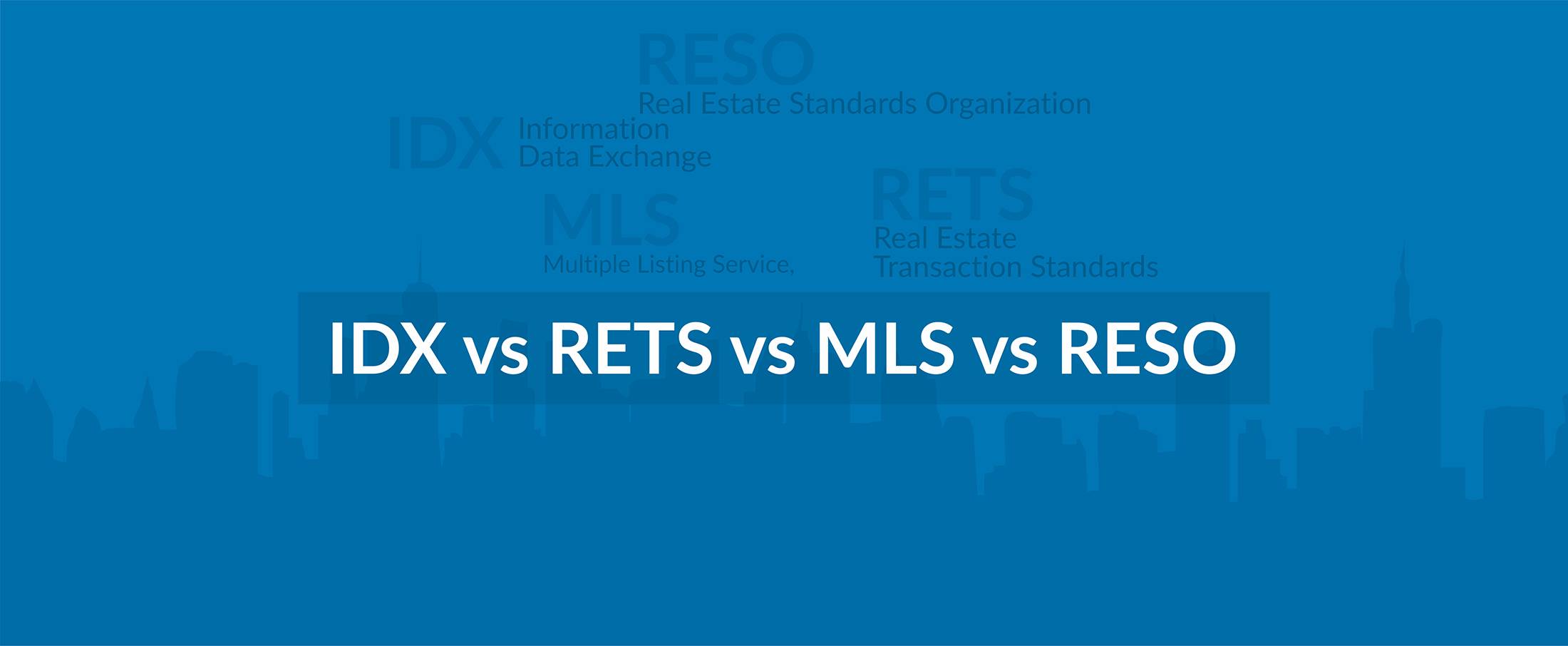
IDX vs RETS vs MLS vs RESO

How is AI Transforming Healthcare
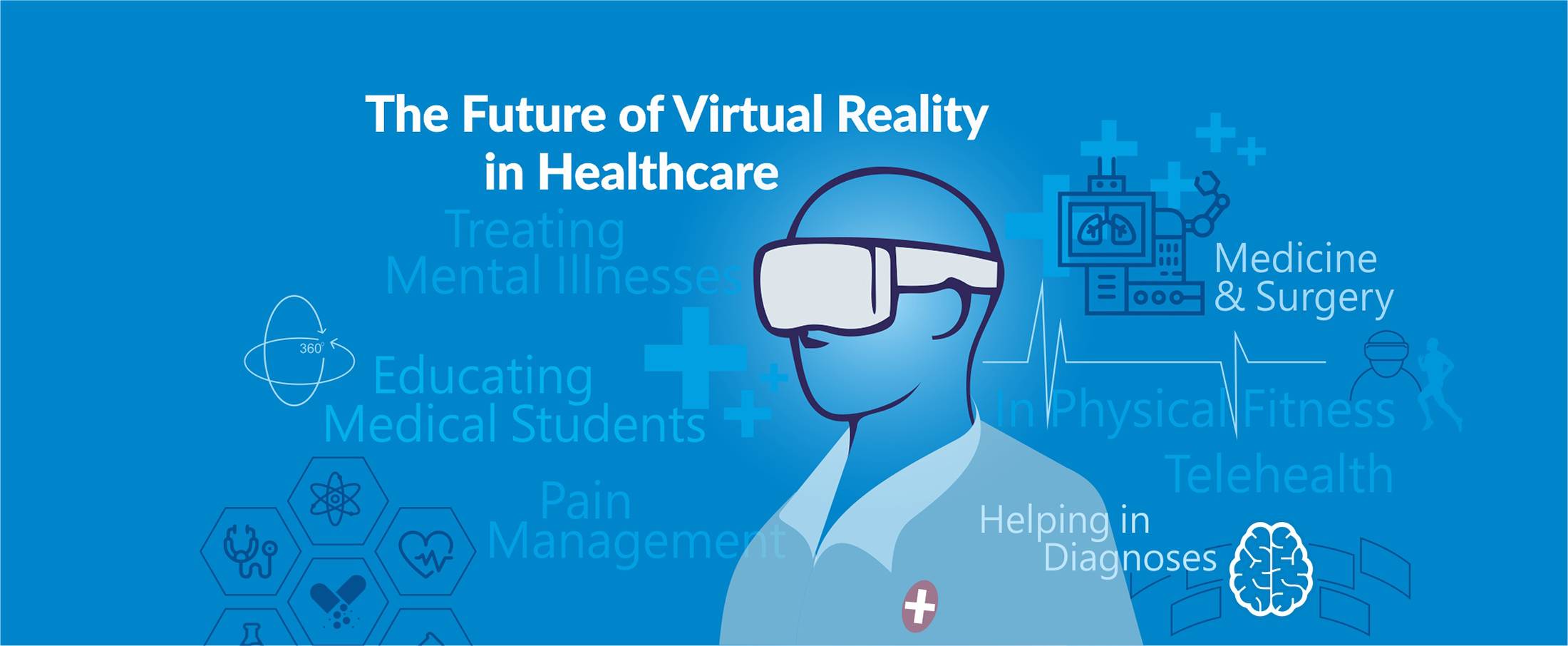
The Future of Virtual Reality in Healthcare
Smart Contracts in Real Estate using Blockchain

How To Choose The Right CRM For Your Business
Best UX Design Practices for Healthcare Applications
FHIR Integration for Better Patient Engagement
IoT for SMART Real Estate
AI to Automate Pre-Showing Process
Best Practices for Healthcare Data Governance

Will Virtual Reality in Real Estate Replace Property Showing?

A Secure Web is Here
Will Uber-ized Property Showing Gain Momentum?
Future of Cloud Computing in Healthcare

5 Real Estate Tech Predictions for 2018

Key Takeaways From Inman Connect NYC 2018 #ICNY
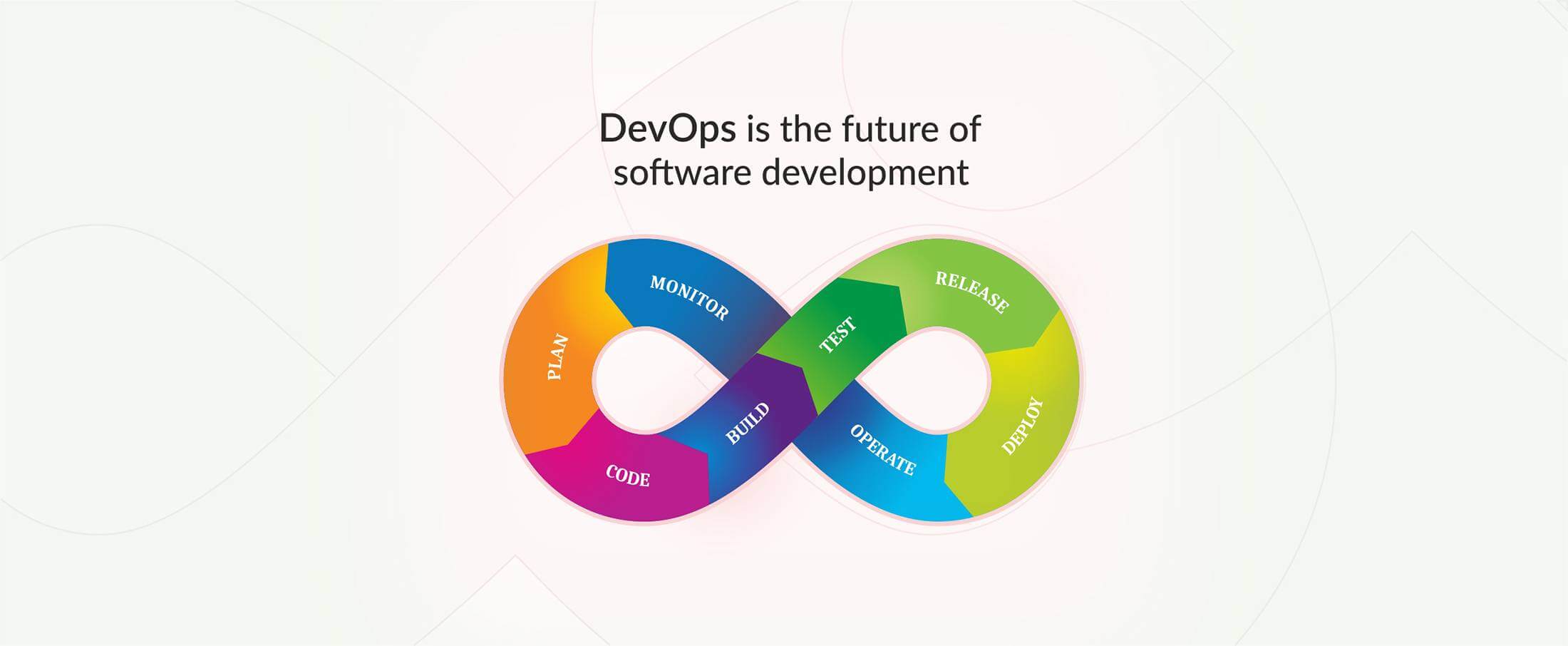
DevOps is the future of the software development
9 Proven Ways to Optimize Google Page Speed

3 Ways to Generate More Real Estate Sales Leads
Introduction to Elasticsearch
5 Real Estate Tasks to Automate
MLS Data: Roadblock for RealTech?

Part II – Writing Better, Faster and Easy to Maintain Mobil
Meteor Security Checks
3 Reasons Why You Need App Prototype For Your Idea
Apple Events September 2017

Part I – Writing Better, Faster and Easy to Maintain Mobile